Draw Joust
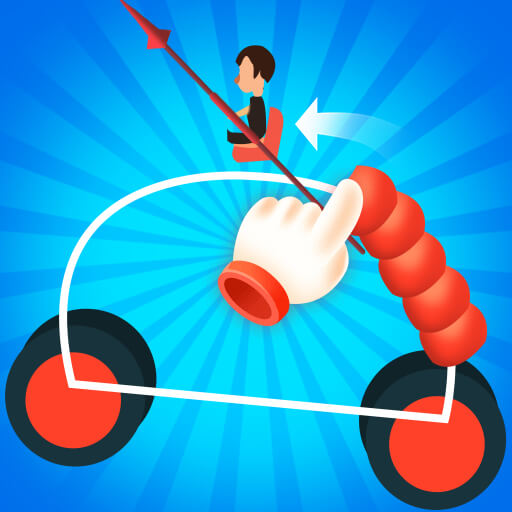
Draw Joust combines drawing a vehicle frame with a short physics-based duel.
Play opens an independently hosted game. Its provider may use cookies or show ads. Privacy information
About Draw Joust
Draw Joust combines drawing a vehicle frame with a short physics-based duel. Connect the wheels, rider and weapon into a stable design, then control your approach against the opposing vehicle.
Inspect the wheel, rider and weapon positions before drawing.
A low, connected frame gives you a clearer baseline for balance. Change one part of the design after a loss so you can see whether it helps.
Build a functioning battle vehicle and defeat the opposing rider in the joust.
How to play Draw Joust
- On a computer
- Hold the mouse button and drag to draw. During the duel, drag horizontally to control movement.
- On a phone or tablet
- Press and drag to draw the frame, then use horizontal touch movement in the duel.
Watch out: An unstable frame or poor approach can lose the duel. Use the retry flow to revise the vehicle before the next attempt.
- Inspect the wheel, rider and weapon positions before drawing.
- Hold and drag to draw the connecting frame, then finish the design and enter the joust.
- Use the horizontal drag control during the duel to adjust the vehicle's movement and bring your weapon into useful contact.
Get a better start
- Support the rider and weapon without making the frame unnecessarily tall.
- Watch how the vehicle moves before the first collision.
- Adjust the approach as well as the drawing; a different frame is not the only possible fix.
Before you play
How do I start Draw Joust?
Choose Play Draw Joust to open a full-window game page. That page starts the connection to the external provider. Use the floating Back button to return here. Follow the title screen’s instructions for the controls available in that version.
Can I play on a phone or computer?
Use a current browser. Many games support touch, mouse or keyboard, but compatibility depends on the provider’s build. If the game does not respond, check its own controls, try landscape mode or use a desktop browser.
Will my progress be saved?
Progress, when supported, is stored by the game provider. Saving this listing in MCDONALDSMENUUK only bookmarks the game in this browser. Clearing site data or using private browsing can affect local saves.
What if the game is unavailable?
Try reloading the game once or choose another title. External providers may change availability. Report a problem with this game