Like A Dino
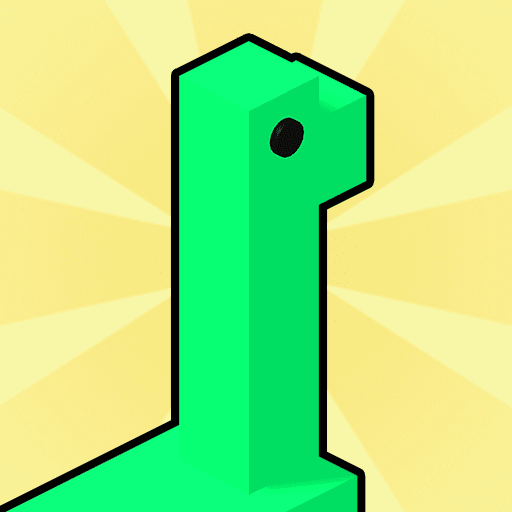
Like A Dino is a music-following game about guiding a dinosaur beneath incoming notes.
Play opens an independently hosted game. Its provider may use cookies or show ads. Privacy information
About Like A Dino
Like A Dino is a music-following game about guiding a dinosaur beneath incoming notes. Move sideways with the melody and line up the dinosaur to keep catching the next note.
Touch or click the play area to start the run and watch the incoming notes.
Look a little ahead of the dinosaur so you can move toward the next note before it reaches the catching point.
Catch the incoming music notes by keeping the dinosaur lined up with their path.
How to play Like A Dino
- On a computer
- Click to begin, then hold and drag left or right in the play area.
- On a phone or tablet
- Touch to begin and slide your finger horizontally to guide the dinosaur.
Watch out: Missing notes can interrupt the run. Follow the game's retry or resume prompt rather than assuming a fixed number of lives.
- Touch or click the play area to start the run and watch the incoming notes.
- Keep contact with the play area and drag left or right to move the dinosaur horizontally.
- Align the dinosaur with successive notes as the music continues, making small corrections instead of waiting until a note has passed.
Get a better start
- Use smooth horizontal movements instead of large last-second jumps.
- Watch the next note's position as well as the one currently being caught.
- Audio helps you follow the rhythm, but keep reading the visual note path.
Before you play
How do I start Like A Dino?
Choose Play Like A Dino to open a full-window game page. That page starts the connection to the external provider. Use the floating Back button to return here. Follow the title screen’s instructions for the controls available in that version.
Can I play on a phone or computer?
Use a current browser. Many games support touch, mouse or keyboard, but compatibility depends on the provider’s build. If the game does not respond, check its own controls, try landscape mode or use a desktop browser.
Will my progress be saved?
Progress, when supported, is stored by the game provider. Saving this listing in MCDONALDSMENUUK only bookmarks the game in this browser. Clearing site data or using private browsing can affect local saves.
What if the game is unavailable?
Try reloading the game once or choose another title. External providers may change availability. Report a problem with this game